


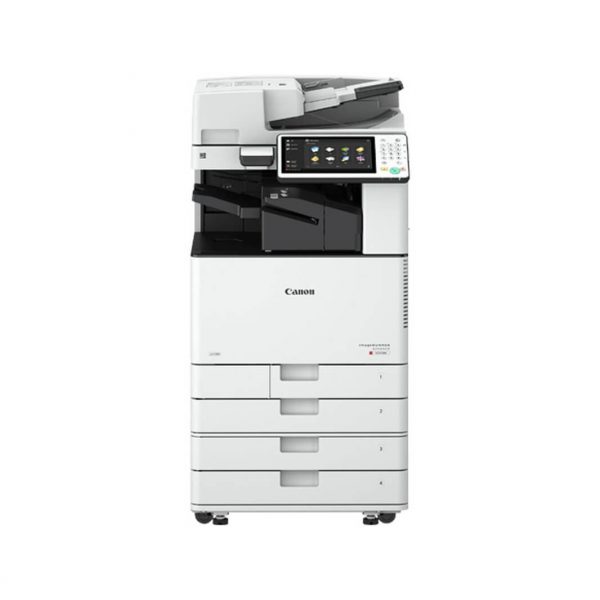
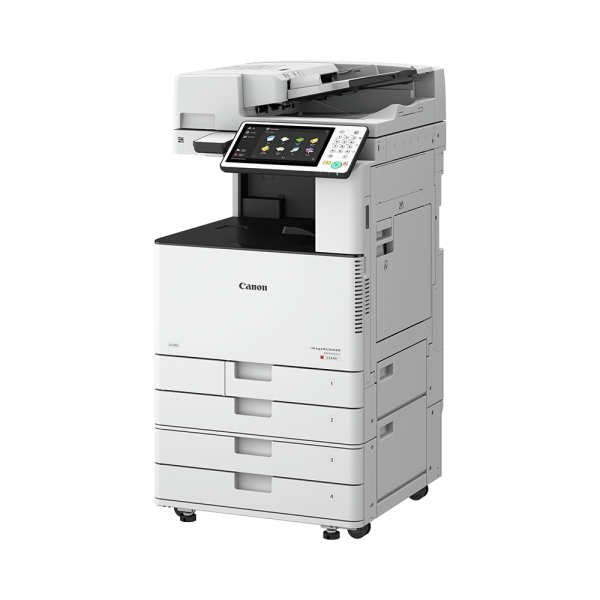
CANON IMAGERUNNER 1435 PHOTOCOPIER
AN INTELLIGENT MULTIFUNCTION DEVICE THAT DELIVERS AN INDUSTRIOUS PERFORMANCE
Manage your fax traffic with the Fax Forwarding function which lets you forward all or selected incoming faxes to another fax number, email addresses or shared folders in file servers.
This function is a great saver on printing costs and storage space as you do not need to print every incoming fax.
With the archiving sent fax function, faxes that were successfully sent will automatically be stored in a preset destination such as email addresses or network folders.
*Only available on the imageRUNNER 1435iF Effortless Fax Function* Save printing cost by forwarding all your incoming faxes Email addresses Made possible by Canon’s Ultra Fast Rendering (UFR II LT) technology, the imageRUNNER 1435iF and imageRUNNER 1435 achieve a print speed of 35ppm (A4).
A new imageRUNNER controller further enables high-speed image processing and rendering to realise higher quality prints at faster speeds.
With a redesigned paper path and toner fixing at low temperatures, printouts are delivered crisp with minimal
Enhanced Device Management & Security

Small businesses and corporate workgroups depend on solutions that help maximize resources, boost productivity, and are easy to manage.
The cost-efficient imageRUNNER 1435+ Series can do all that, and more. With fast output, scanning, faxing, and high reliability, these multifunction devices help you accomplish a lot in a small space.
The Secure Print function keeps confidential documents private by allowing you to set a PIN when printing from your computer.
The document is held in the device’s memory and not printed until you have input the correct PIN on the operation panel of the device
With built-in Remote UI, you can access and manage the device remotely from a web browser on your computer. e-Maintenance service helps you keep track of consumables and automatically places a re-order request for items that are running low directly to relevant service centres.
The Secure Print function keeps confidential documents private by allowing you to set a PIN when printing from your computer.
The document is held in the device’s memory and not printed until you have input the correct PIN on the operation panel of the device
With built-in Remote UI, you can access and manage the device remotely from a web browser on your computer. e-Maintenance service helps you keep track of consumables and automatically places a re-order request for items that are running low directly to relevant service centers
Print speed |
35 ppm (A4 Single-sided), 15 ppm (A5 Single-sided)¹, 18 ppm (A4 Double-sided) |
Printing method |
Laser Beam Printing |
Print resolution
|
600 dpi x 600 dpi |
Double-sided printing |
Automatic (Standard) |
Direct print
|
Direct printing available from USB memory keySupported file types: JPEG, TIFF, PDF |
Printing from internet-connected devices |
A range of solutions is available to provide printing from mobile or internet-connected devices. Please contact your sales representative for further information. |
Paper input (Standard) |
1 x 500-sheet cassette (80 gsm), 100-sheet (80 gsm) multi-purpose tray |
Paper input (Option) |
1 x 500-sheet cassette (80 gsm) (Cassette Feeding Module-AC1) |
Maximum paper input capacity |
1100 sheets (80 gsm) |
Finishing capabilities |
Standard: Collate, Group |
.
Be the first to review “CANON IMAGERUNNER 1435 PHOTOCOPIER”
Related Products

CANON IR imageRUNNER ADVANCE C3500


DUPLO DP-205 DIGITAL DUPLICATOR

Canon imageRUNNER iR2520i/iR2525i

DUPLO DP- G225 DIGITAL DUPLICATOR
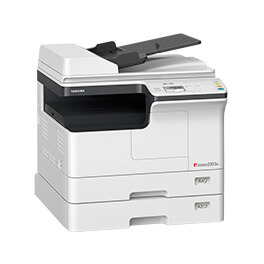
TOSHIBA E-STUDIO2303A/2303AM/2803AM


Reviews